Click to download now, finish the installation quickly, and directly unlock the all-round experience
Screenshots
Click to download now, finish the installation quickly, and directly unlock the all-round experience
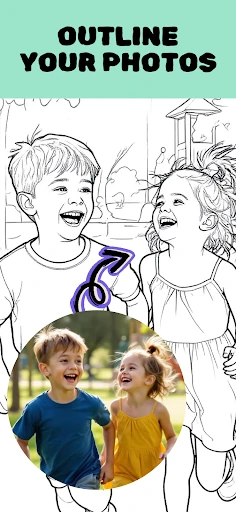
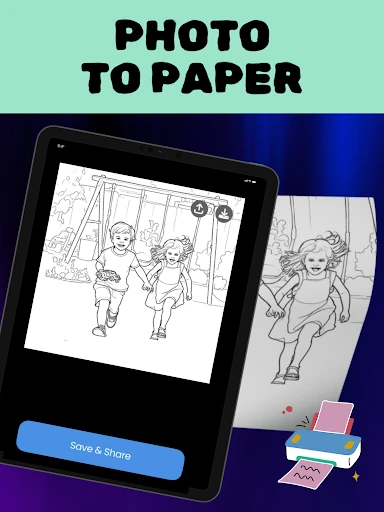
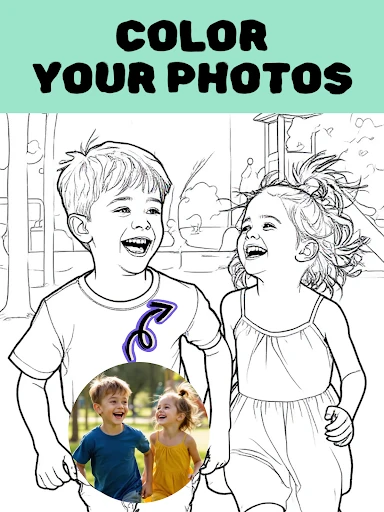
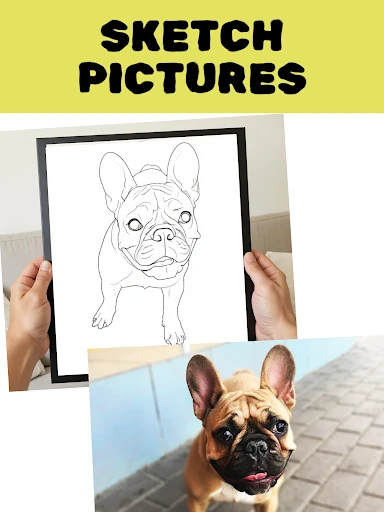
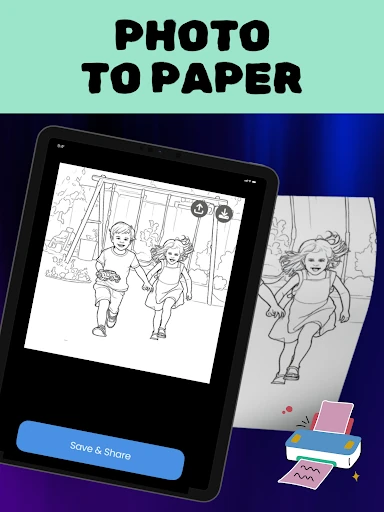
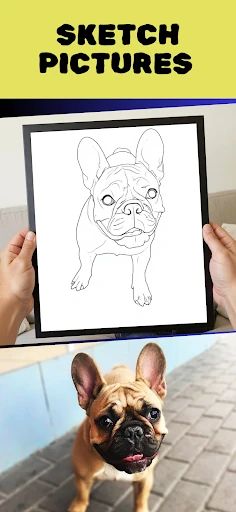
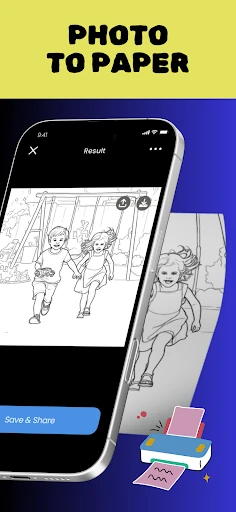
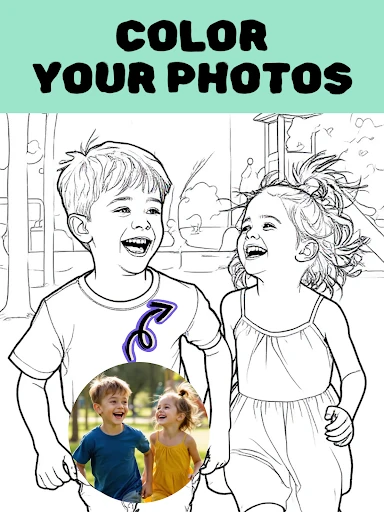
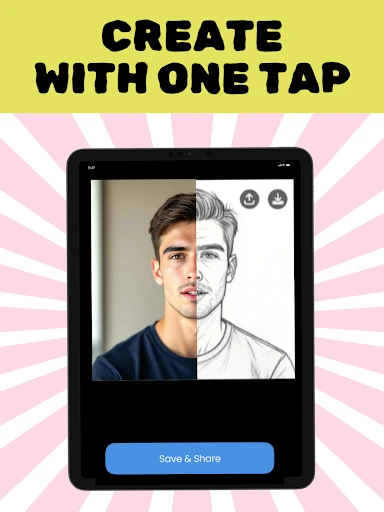
Colorify: Coloring Book Maker converts photos into coloring pages and sketch-style artwork. Choose an image from your phone, then create a simple outline, a more detailed drawing, or a pixel-art version to color by hand or on screen. It suits families, hobby artists, and anyone who wants to turn personal photos into creative projects.
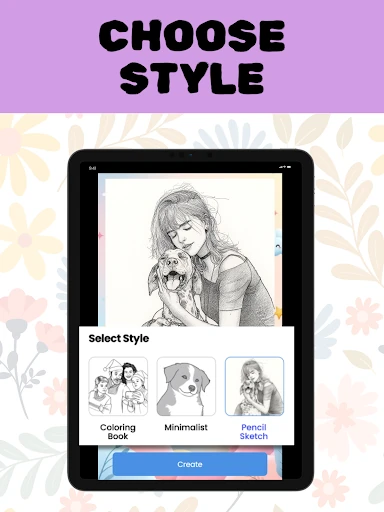
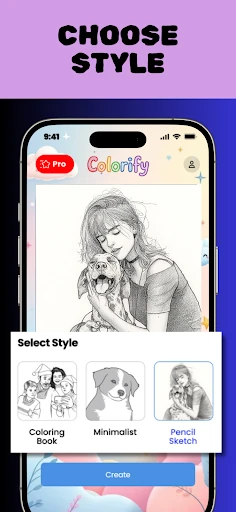
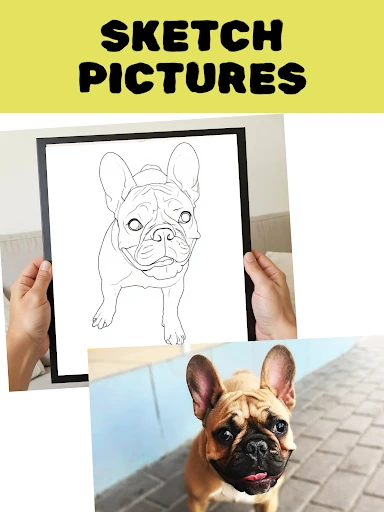
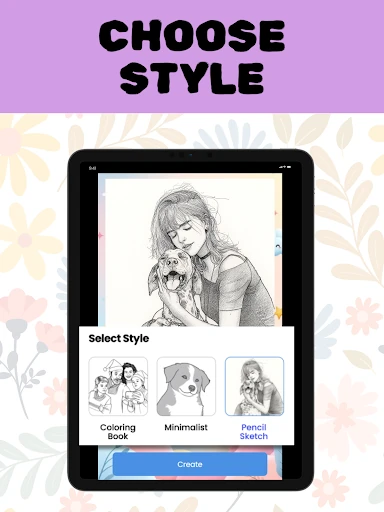
The app focuses on changing ordinary pictures into usable coloring templates rather than applying standard photo filters. Its line-art conversion can reduce a portrait, pet photo, or landscape to clear outlines. A color-by-number option adds numbered sections for a more guided activity, while different processing styles let you choose between bold, simple results and more intricate designs.
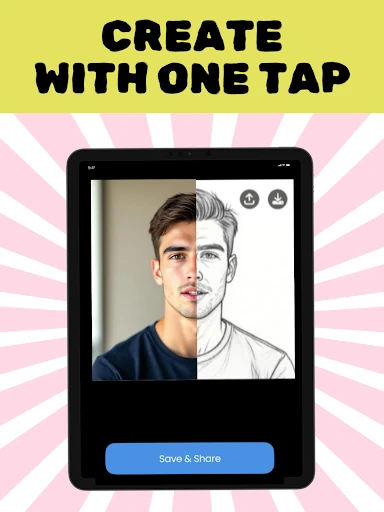
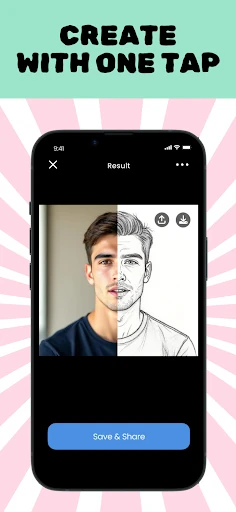
Colorify keeps the main process straightforward: select a picture, apply a style, and work with the resulting design. That makes it accessible for children with help from an adult, casual colorists, and experienced users looking for a quick starting point. The Photography category is a natural fit because the app uses your own images as the source for each page.
Developed by Yoya Mobile, Colorify: Coloring Book Maker has a 4.77/5 rating from 6,974 reviews and more than 100,000 installs. Its focus is specific: repurpose photos as coloring material instead of editing them only for display.